Buying a smartphone today can be confusing because the market is full of fake, cloned, refurbished, and stolen devices. Many phones look exactly like the real ones, making it hard for buyers to detect the difference — especially when buying from open markets, unofficial sellers, or second-hand shops.
The good news is:
You can confirm if a phone is original or fake using simple methods.
This guide covers everything you need to know, whether you’re buying a Samsung, iPhone, Xiaomi, Tecno, Infinix, Oppo, or any other brand.
Let’s begin.
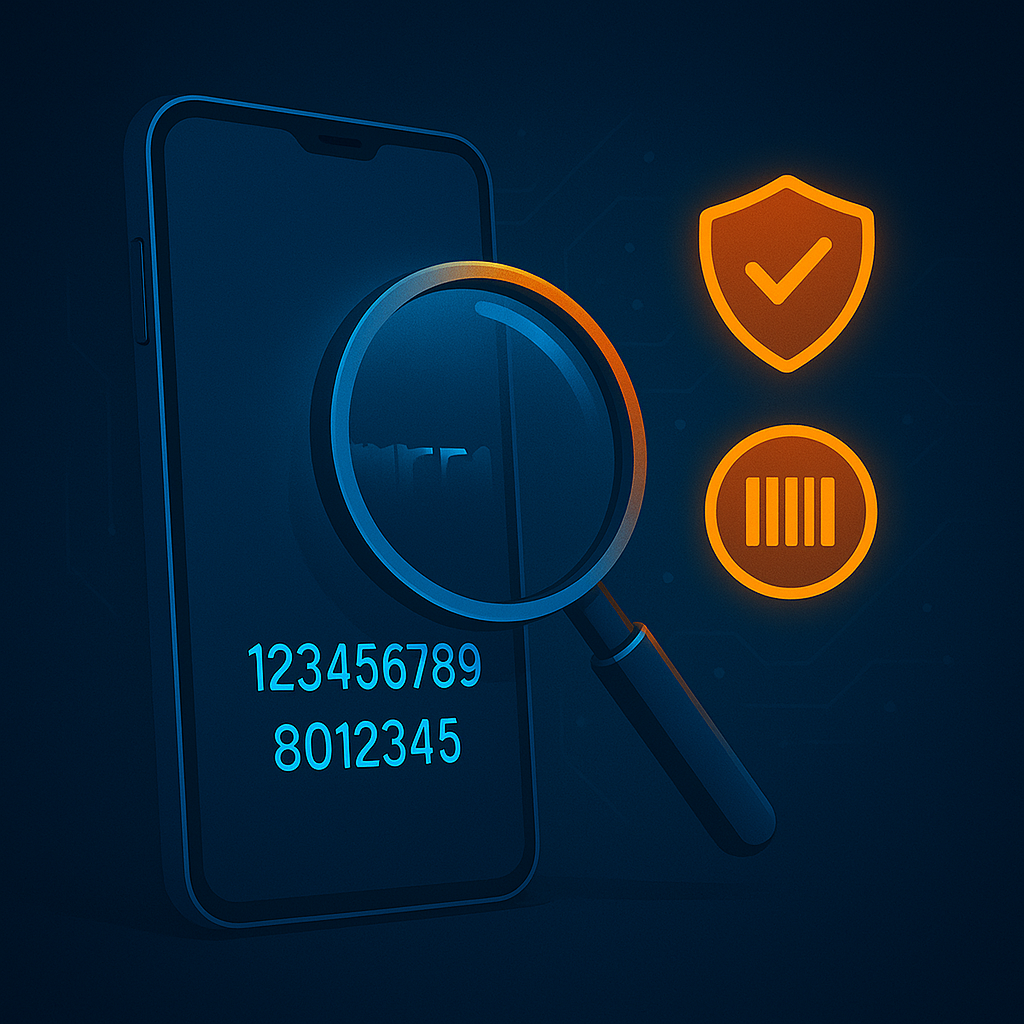
1. Check the IMEI Number (Most Important Step)
Every original phone has a unique IMEI number.
✔ How to check IMEI:
Dial:
*#06#
The IMEI will appear on the screen.
✔ Where else you should find the IMEI:
- On the phone box
- Under Settings → About Phone
- On the SIM tray (some models)
⚠️ Red Flags:
❌ IMEI on the box does NOT match IMEI in the phone
❌ No IMEI appears when dialing *#06#
❌ IMEI appears as “0” or “null”
✔ How to verify IMEI:
Visit the official website:
https://www.imei.info/
Enter the IMEI to see details like:
✔ Phone model
✔ Brand
✔ Release date
✔ Specifications
If the information doesn’t match the phone, it is fake or tampered.
2. Check the Build Quality
Fake phones often look real, but their materials are cheaper.
✔ Things to check:
- Weight (fakes are often lighter)
- Buttons feel loose
- Poor finishing
- Rough edges
- Fake logos or wrong fonts
- Cheap camera glass
Original phones have:
✔ Smooth finishing
✔ Firm buttons
✔ Properly placed components
3. Check the Operating System
Fake phones often run modified operating systems.
✔ For iPhone:
Original iPhones use iOS, not Android.
If the phone:
- Looks like an iPhone
- But works like Android
- And has settings like “Google Play Store”
Then it is 100% fake.
✔ For Android:
Fake Android phones often have:
- Wrong settings menu
- Incomplete features
- Missing system updates
- Laggy animations
4. Check the Camera Quality
Fake phones usually have terrible cameras, even if they claim “108MP” or “48MP”.
✔ Test the camera:
- Zoom in: fake phones lose clarity fast
- Shoot at night: fake phones show noise
- Video recording: low-quality audio and lag
⚠️ Red Flag:
Fake phones often add fake camera lenses that don’t work.
5. Check the Phone Storage Capacity
Many cloned phones lie about storage.
✔ Confirm real storage:
Go to Settings → Storage
If the phone says 128GB but only shows 16GB or 32GB available, it is fake.
✔ Also confirm:
- RAM size
- System version
- CPU details
Fake phones display false information.
6. Check Performance Speed
Fake phones lag easily because they use cheap processors.
✔ Test the speed with:
- Opening apps
- Switching between apps
- Loading camera
- Playing videos
If it hangs or freezes often, it is likely fake.
7. Check the Box and Accessories
Original phones come with high-quality packaging.
✔ Look for:
- Correct spelling
- Brand logo alignment
- Serial number sticker
- Sealed packaging
Fake phones often have:
❌ Wrong spellings
❌ Low-quality manuals
❌ Cheap-looking chargers
8. Use Official Verification Tools
Most phone brands now offer authenticity checks through their official websites or apps.
✔ Samsung
Use Samsung Members app → Diagnostics
✔ Apple
Visit: checkcoverage.apple.com
Enter IMEI or serial number
✔ Xiaomi
Visit: mi.com/verify
✔ Tecno / Infinix / Itel
Use Carlcare app → Check device authenticity
✔ Oppo / Vivo
Official websites have IMEI check pages
9. Check the Price (Very Important!)
If the price is too good to be true, the phone is likely fake.
⚠️ Warning Signs:
❌ New iPhone sold at half price
❌ Samsung S24 cost is unbelievably low
❌ High-end phone sold extremely cheap
Original phones have consistent pricing everywhere.
10. Check the Fingerprint & Face ID Speed
Fake phones use cheap sensors.
✔ Test Fingerprint:
- Slow unlocking
- Many failed attempts
✔ Test Face ID:
- Works even with your eyes closed
- Unlocks using a picture
- Works in very low light
Original phones do NOT unlock with a photo.
11. Check Charging Speed
Fake phones charge very slowly because they use low-quality batteries.
✔ Original phones:
Charge properly and match their watt rating.
❌ Fake phones:
Claim “fast charging” but charge extremely slow.
12. Check Network Signal Strength
Fake phones use weak network chips.
Signs:
❌ Poor signal even in strong network areas
❌ Calls drop often
❌ Weak 4G/5G connection
Original phones have stable network chips.
13. Ask for the Receipt or Warranty
Every new or certified phone should have:
✔ Receipt
✔ Warranty card
✔ Purchase details
If the seller refuses to provide proof of purchase, don’t buy it.
14. Check Using Phone Codes
✔ Samsung
Dial: *#0*# — Opens hardware test
(If it doesn’t work, phone might be fake)
✔ Huawei
Dial: *#*#2846579#*#*
✔ Xiaomi
Dial: *#*#6484#*#*
✔ General Android
Dial: *#*#4636#*#* — Shows phone info
Fake phones often cannot run these secret codes.
15. Buy From Trusted Places Only
To avoid fake phones, buy from:
✔ Official stores
✔ Verified online stores
✔ Authorized dealers
✔ Trusted shops
Avoid:
❌ Random sellers
❌ Open market vendors
❌ Suspicious deals
❌ Street sellers
Signs a Phone Is Fake (Quick List)
❌ Cheap price
❌ IMEI does not match
❌ Poor camera quality
❌ Laggy performance
❌ Wrong OS
❌ Low-quality materials
❌ Fake apps installed
❌ No official warranty
❌ Fails code verification
❌ Incorrect storage size
My Final Thoughts
Fake and cloned phones are becoming harder to detect, but with the right knowledge, you can protect yourself from scams.
The most reliable methods include:
✔ Checking IMEI
✔ Verifying with official tools
✔ Inspecting build quality
✔ Testing the operating system
✔ Checking storage & performance
✔ Comparing price and packaging
By following the steps in this guide, you can confidently identify whether a phone is original, fake, refurbished, or tampered.